- Infeed
- Buffer
- Bottleneck
- Outfeed
Product flow, cycle time and buffers
You can see whether the promised output can be reached before the steel is ordered.
Throughput and product flow
Throughput, cycle time and buffers in a digital machine model.
Compare concepts, locate bottlenecks and test changes to new or existing production equipment. Use the findings to make informed decisions about throughput, cycle time and product flow.
What limits throughput?
Example capacity calculation for three stations in series. One product per cycle, excluding stops, changeovers and buffer constraints.
120 units/hour
90 units/hour
110 units/hour
Before the price is fixed
See how stations, buffers and movements affect throughput before the design is fixed.
You can see whether the promised output can be reached before the steel is ordered.
You can see which station is holding back the cycle time, and where the queue builds up.
Sales can show the product flow in the way the end customer usually needs to understand it.
The model can be adapted for PLC, motion and HMI testing and later used for virtual commissioning.
From concept to commissioning
Example project sequence.
01
The concept, the count you want to promise, cycle time, buffers and the choices that are not locked yet.
02
Unity runs the product flow. You see where the queue grows, and whether the volume is reachable, before the steel is ordered.
03
An answer you can price, and a video the end customer can watch. Later, the same model can be connected to the PLC code.
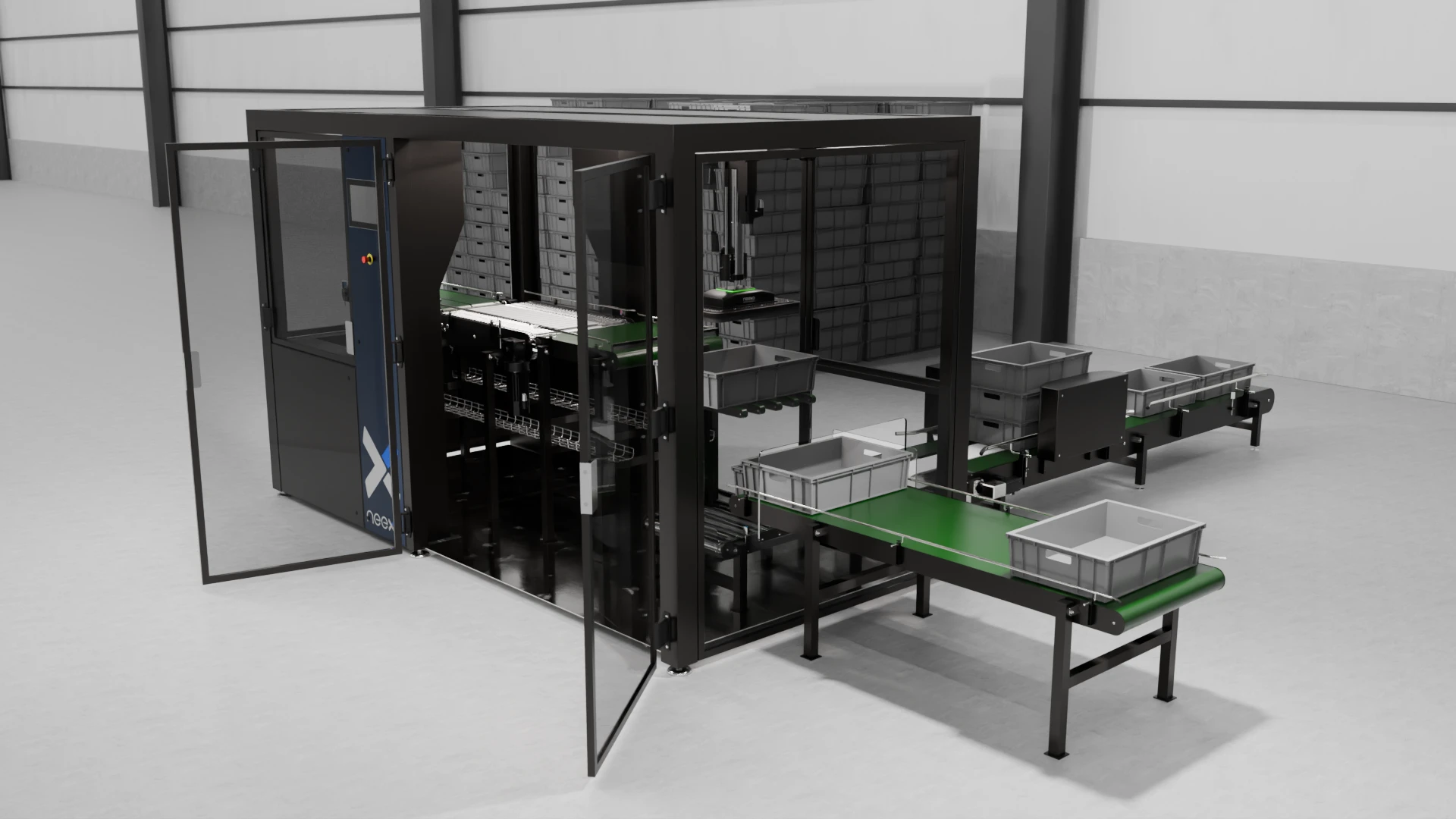
Explore neexo’s own animation of a digital machine environment.
Explore animation and simulation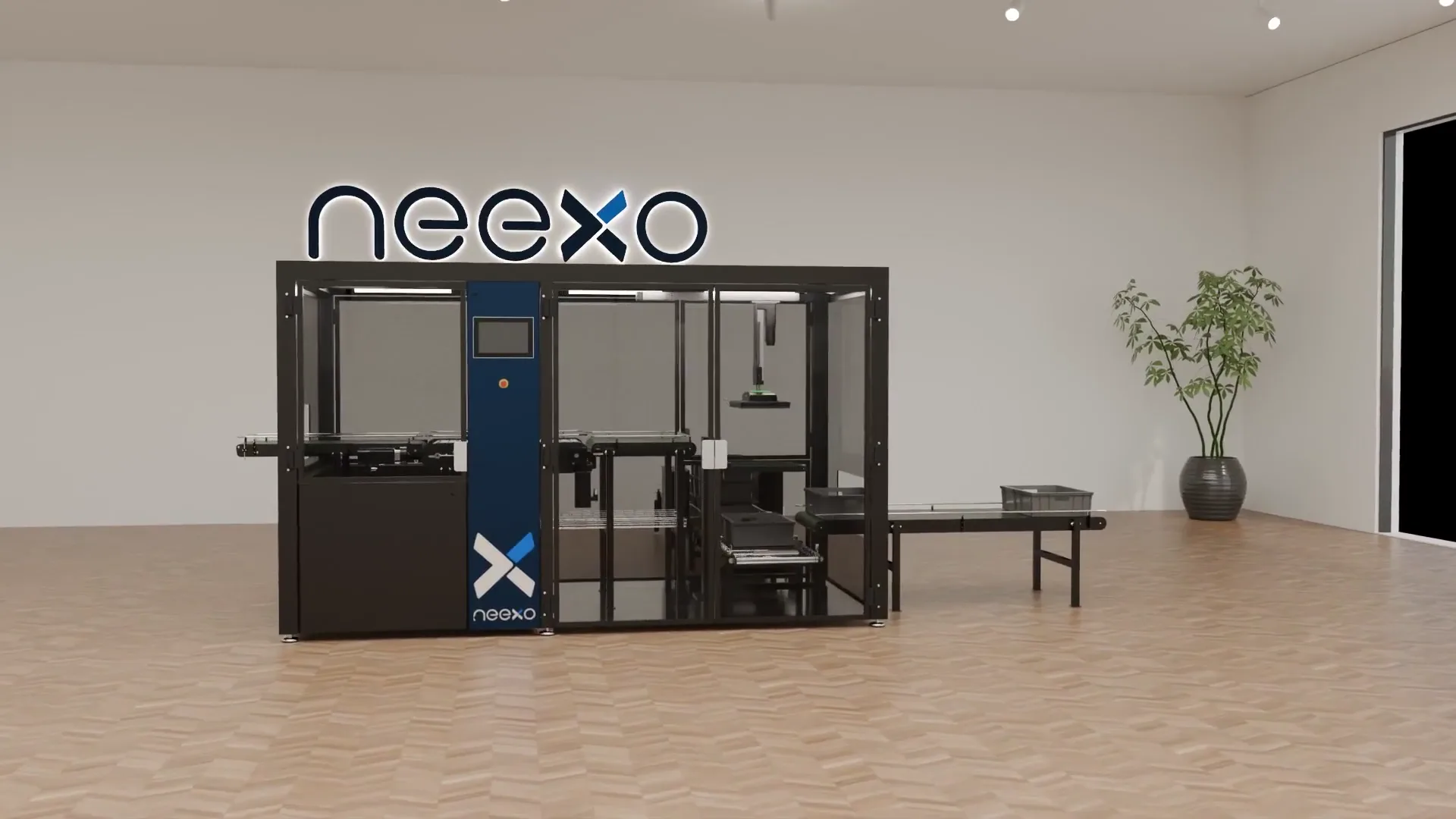
When PLC, motion and HMI are developed, the model can be reused for virtual test scenarios. Physical FAT and safety validation remain on the actual machine.
Virtual commissioningWe put flow, stations and motion into Unity and run the volume you need to promise.
PLC, motion and HMI can be tested against the same model, instead of waiting for the assembled machine.
The model can be used for virtual commissioning before FAT. That is a later step, not a condition for starting.
No. The quote phase is exactly where the machine does not exist yet. We work from the concept, the cycle time and the choices you are about to promise.
No. Here we test whether the concept can reach the throughput. Virtual commissioning comes later, when the code has to run against the model before FAT.
A sketch, a target cycle time or a short description is enough to say whether a simulation is worth doing.
Send a sketch, a target cycle time or a short description. We clarify what needs investigating and how to obtain a useful result.