Industrial HMI and UI/UX design that helps people act correctly.
Designed by people who understand operators, faults, changeovers, and service close to the machine.
We combine industrial UI design with practical experience from machines, PLC, automation, and service. We can improve an existing HMI as a standalone task or connect the design more closely to machine states, alarms, and software.
Interface design grounded in machine experience
A good HMI begins before the first screen.
We know the situations around the machine because we have worked with programming, commissioning, handover, sales, and service. That experience helps us design for the decisions people actually face.
Operation, stops, alarms, and safe recovery
Changeovers, variants, and production flow
Commissioning, training, and handover
Remote support, maintenance, and service
HMI should help users understand the situation quickly, not just show more buttons.
HMI design starts with the situation, not the screen.
Operators need the right information in the right order, especially when the line is stopped, an alarm is active, or a changeover has to move fast.
What is the user trying to understand?
We map operation, stop, alarm, changeover, service, and training as concrete situations with a decision, risk, and next safe action.
HMI follows the machine states
Screens, alarms, and 3D overviews are tied to the actual machine states, so the interface becomes part of the logic.
Test with operators before implementation
Flows and critical screens are tested with technicians and operators before PLC and HMI are locked.
Patterns that can be reused
Navigation, states, colors, alarms, actions, and service views are collected in a system that can grow over time.
Typical artifacts
Frequently asked questions
01Isn't this just web design for a machine?
No. Industrial HMI design is built around machine states, alarms, safety, and the operator's situation. The goal is to make the right information available under pressure, not to decorate the screen.
02Can you redesign an existing HMI?
Yes. We first map the situations where the current HMI creates confusion or delay, then design improvements that can be implemented incrementally without stopping production.
03How do you ensure operators understand the HMI under pressure?
We test flows with real operators in critical situations such as alarms, stops, and changeovers. Design is validated on comprehension and action time, not only on whether the screen looks polished.
04How is alarm and state logic connected to the design?
Alarms and screens are tied to the machine's actual states and safety logic. The operator sees cause, consequence, and next safe action in the same context.
05Do you work with our existing HMI platform?
We have practical experience with platforms such as Siemens and Beckhoff. We adapt the design deliverables to your standards and confirm the exact HMI platform, runtime, and implementation model before kickoff.
Cases from this area
See how the competencies connect in practice.
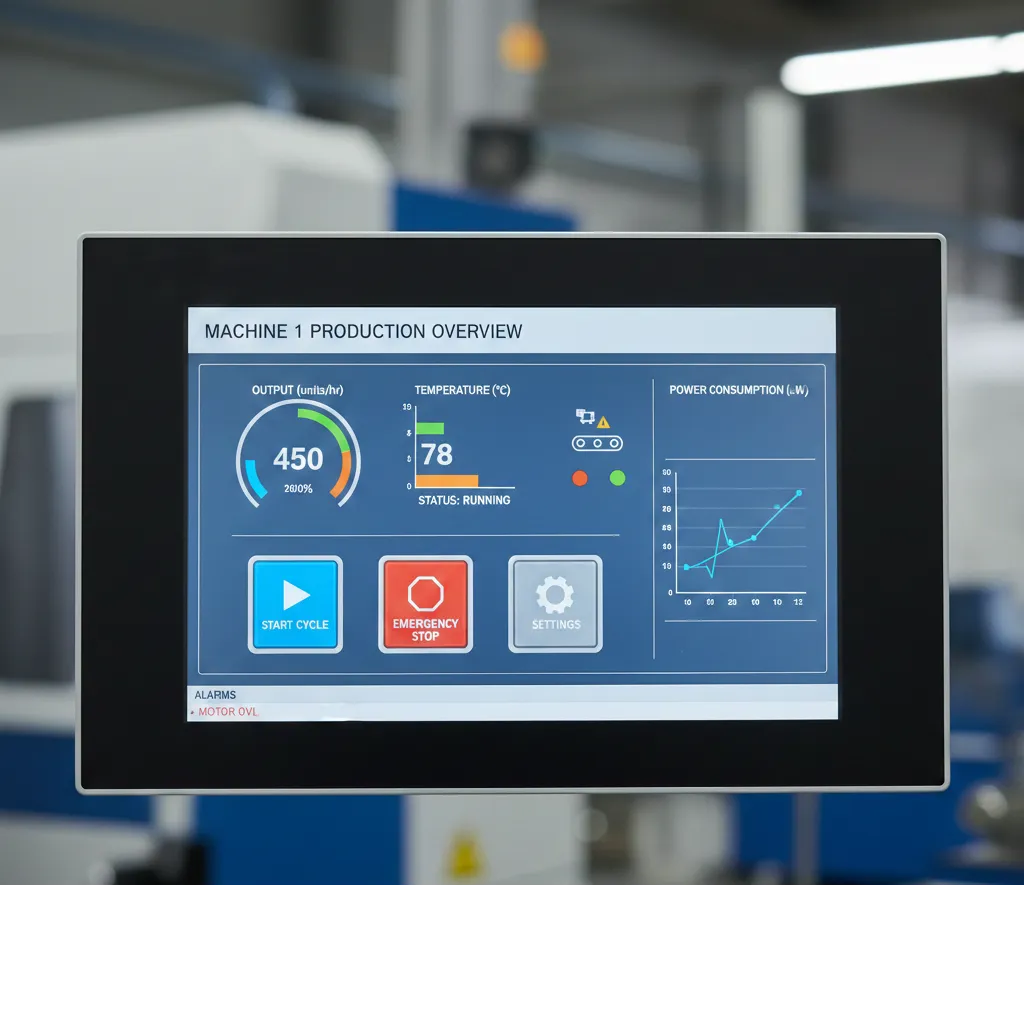
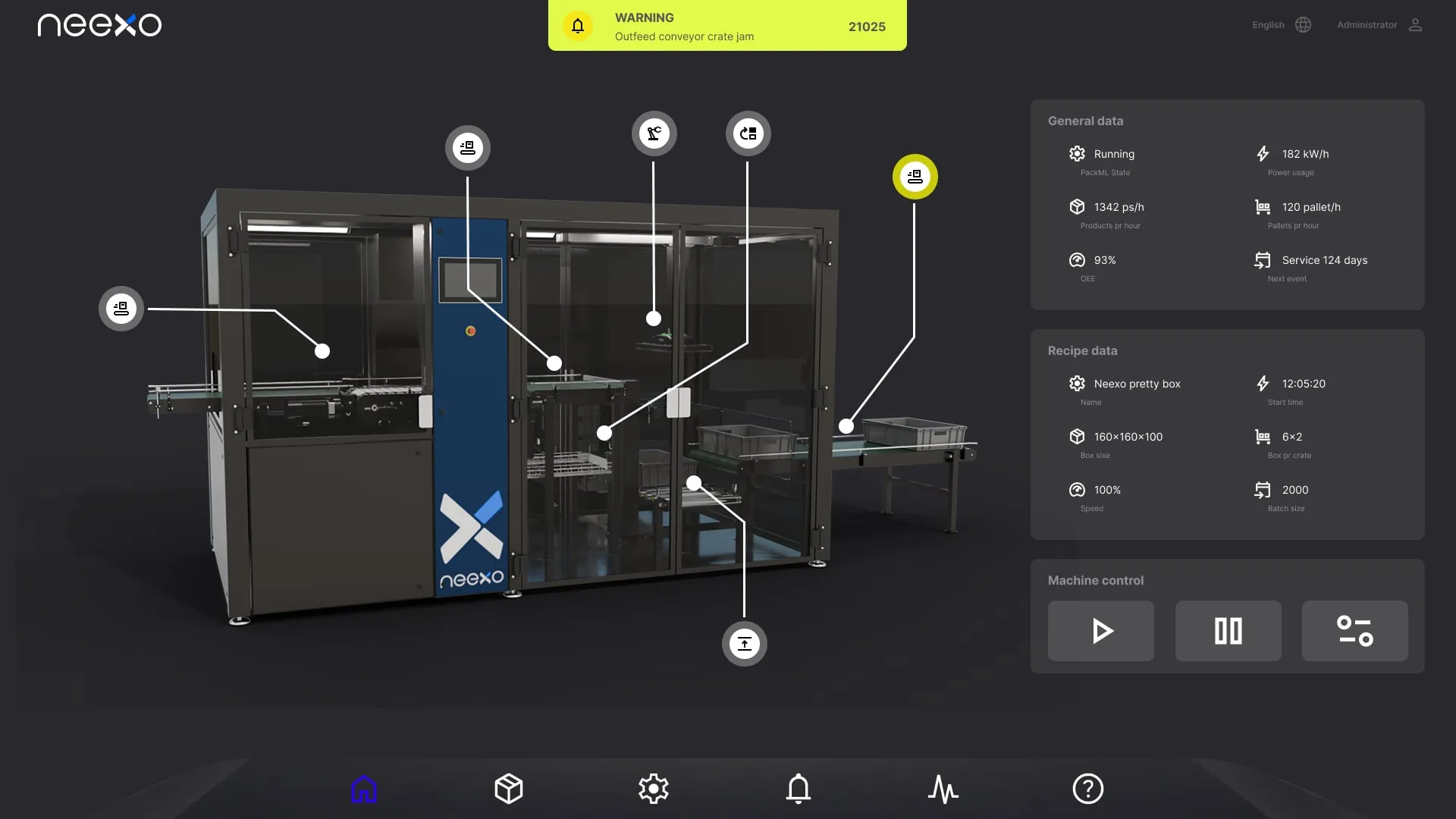
Where does your current HMI create uncertainty or delay?
Show us a critical operator situation, alarm flow, or service task. We will help identify the smallest interface improvement worth testing first.